What your bots can do
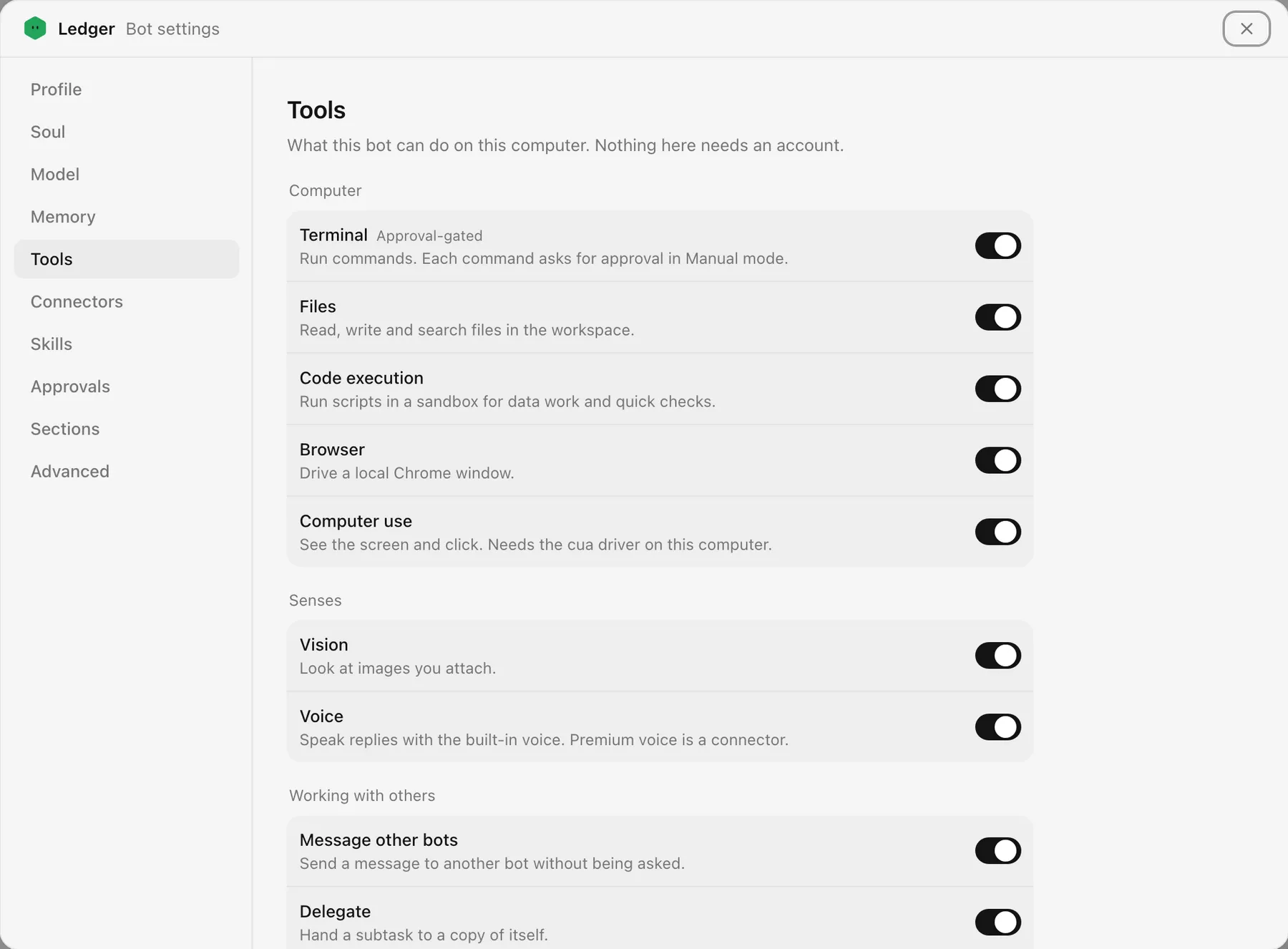
Each bot runs on the machine you install Hexbot on, with real tools. Switch any of them off per bot in Bot settings, Tools.
On your computer
On by default, no account needed. Each bot works in its own folder on the machine running Hexbot.
- Terminal
- Run shell commands and long-running processes.Risky commands ask first in Manual mode
- Files
- Read, write, edit, and search files.
- Code execution
- Run short scripts for data work and quick checks.Risky scripts ask first
- Browser
- Drive a local Chrome window: open pages, click, fill forms.
- Computer use
- See the screen, click, and type in other apps.Needs the cua driver installed
- Vision
- Look at images and screenshots you attach.Needs a model that can see
Working together
What makes a crew more than several chats side by side.
- Rooms
- Share one chat with people and several bots. Mention a bot to bring it in.
- Message other bots
- Ask another bot for help without being asked to.
- Delegate
- Hand a subtask to a copy of itself and carry on.
- Scheduling
- Set reminders and recurring jobs that run while you are away.
- Clarifying questions
- Ask you a question with choices instead of guessing.
- To-do lists
- Plan a longer job in steps and tick them off.
Memory and self
Always on. This is how a bot stays the same bot from one week to the next.
- Memory
- Keep its own notes about you, your work, and how you like things done.
- Soul
- Rewrite its own persona when you ask it to change, and tell you it did.
- About you
- Read the one text you write about yourself, shared by all your bots.
- Search past chats
- Find what was said in earlier conversations.
- Skills
- Follow saved playbooks, and write new ones from work that went well.
- Dreaming
- Tidy its memory once a day from that day's conversations.
Connectors
Opt in, with your own account. Set one up once, then switch it on for the bots that need it.
- Web search
- Search the web and read pages.Exa, Tavily, Brave, Firecrawl, Parallel, Keenable, or your own SearXNG
- Cloud browser
- A hosted browser for sites that block a local one.Browserbase or Browser Use
- Image generation
- Make and edit images.FAL or Krea
- Video generation
- Generate short clips.FAL
- Voice
- Speak replies aloud.ElevenLabs, OpenAI, or Mistral
- Notion
- Read and write pages and databases.
- Airtable
- Read and update bases.
- X search
- Search posts and profiles.Through xAI
- Home Assistant
- Read sensors and control devices in your home.
- MCP servers
- Connect any MCP server, local or remote.
Any model you already pay for
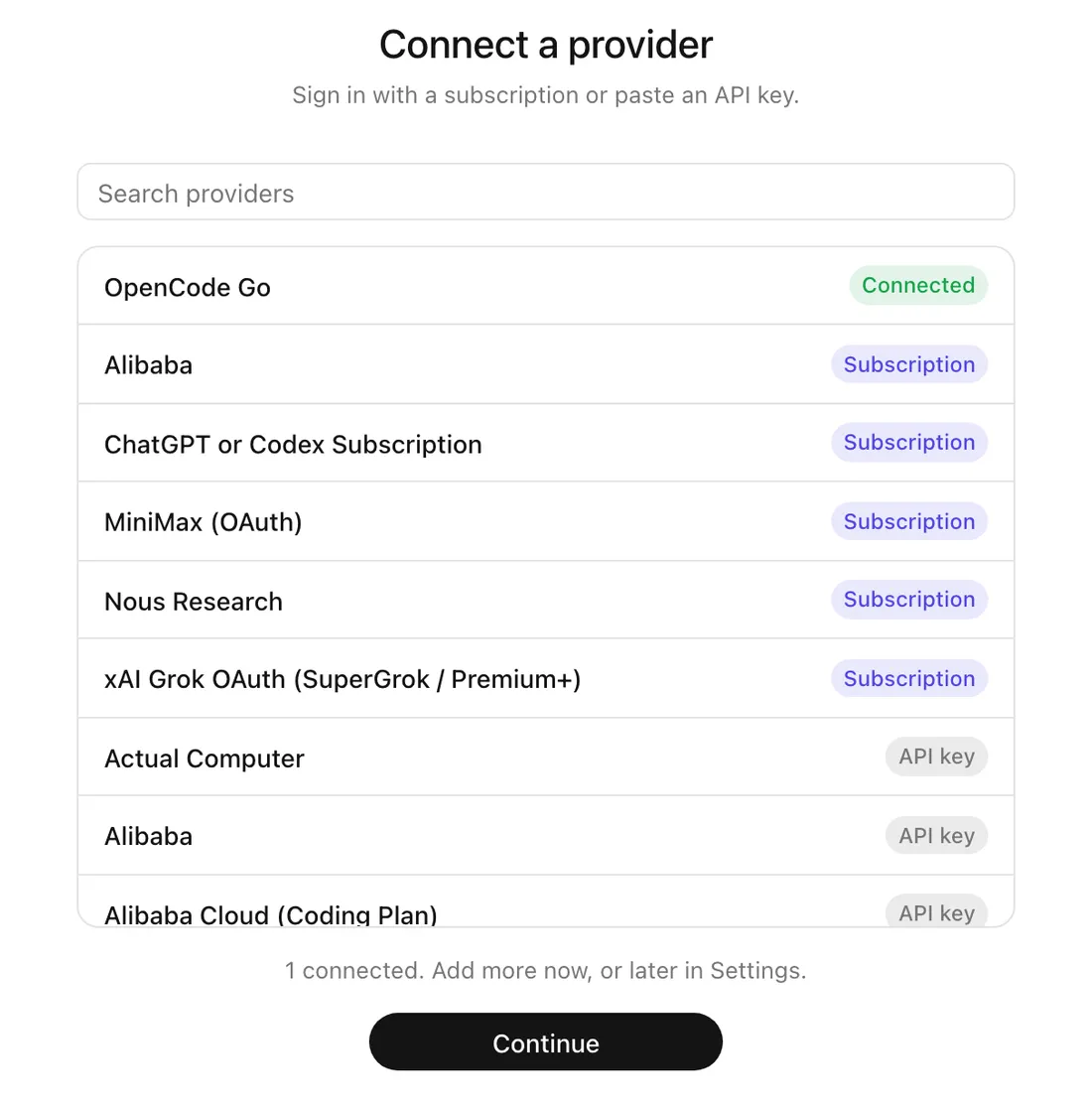
More than 50 model providers. Sign in with a ChatGPT, SuperGrok, or Nous Portal subscription, or paste an API key for Anthropic, OpenAI, Google, xAI, OpenRouter, DeepSeek, and the rest. Run local models through Ollama or LM Studio.
Each bot picks its own model, and a fallback model takes over when a provider is down. Providers and billing
You decide what runs
Auto
The default. Bots work freely in the workspace. Commands run without internet access; a step outside the workspace is checked by the bot's model, and only risky ones ask first. That check is a judgment, not a sandbox.
Manual
Ask before every file change and code run. Commands run read-only, without internet access.
Bypass
Never ask and use no sandbox. Bots can read and change anything on this computer.
Set it for the whole install, then override it per bot. Approvals